
Community Maps in Heroes of Might and Magic III Remake
Famous templates, import tools, and what the remake supports on day one.
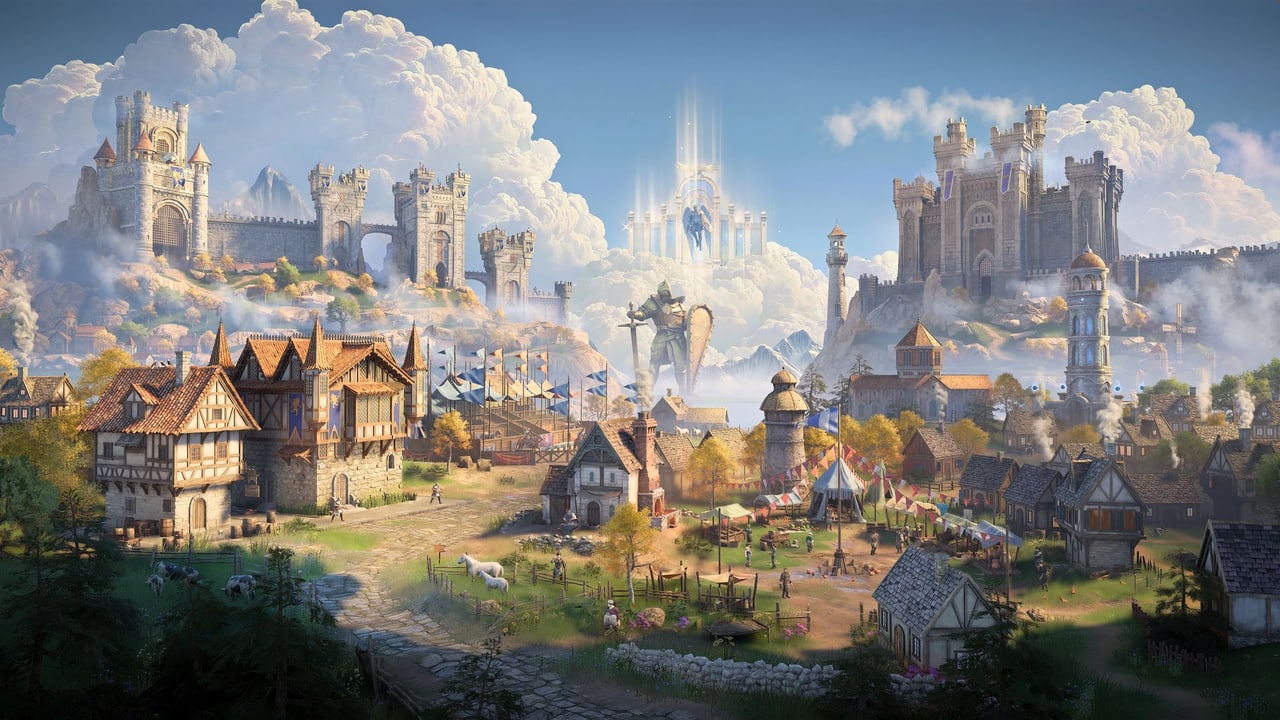
One of Ubisoft’s most repeated promises about the Heroes of Might and Magic III Remake is that it supports original maps from the jump. IGN’s Imran Khan described watching the Arrogance map play in 3D during a preview session and noting that the remake had faithfully reconstructed the topography of the original template. This page is the guide to what that means in practice: which maps are famous, which tools the remake includes, and what the realistic limitations are.
What the remake supports on day one
Ubisoft has confirmed that the remake reads .h3m files — the original Heroes III map format — directly. The engine scans the topography, terrain, objects, and events of an original map and rebuilds it in the Snowdrop 3D environment. This is not a visual filter over an old rendering; it is a reconstruction that preserves the original layout while upgrading the art.
What this means for popular templates:
- Original campaign maps from Restoration of Erathia, Armageddon’s Blade, and Shadow of Death should import cleanly.
- Community maps that use only objects and triggers from the original game should work.
- Maps that depend on HotA-specific objects, Horn of the Abyss mechanics, or mod-added content will not import until or unless the remake ships corresponding content.
- Scripts from later modding tools (like ERA or HotA scripting) are a different product from .h3m topography. The remake’s script engine has not been fully documented; treat original .h3m scripts as the baseline.
Famous templates you will see again
Arrogance — IGN described playing this classic multiplayer scenario during their hands-on session. It is a large map with multiple factions, shipyards, underground layers, and a reputation for rewarding careful expansion over rushing. The layout discourages early aggression in favour of a mid-game that actually matters. If your group has been playing Arrogance since 1999, the remake is the version your whole lobby has been waiting for.
Jebus Cross — One of the most-played custom maps in Heroes III history. XL-sized, resource-heavy, designed for eight players with a focus on hero development over raw expansion. The remake has not confirmed Jebus Cross specifically, but the underlying .h3m support suggests it should import.
Template sizes — The original game supported S, M, L, XL, and H maps. The remake will support the same sizes. Larger templates become significantly longer sessions; a full XL map with eight players can occupy a weekend.
The map and campaign editor: HOMM3R
Ubisoft confirmed that a map editor called HOMM3R ships with the remake at release. This is not a post-launch tool. It is part of the day-one package. The editor lets you build new maps and campaigns within the Snowdrop environment, using the same asset library the game itself uses.
The community has been building maps for Heroes III since 1999. A significant portion of that work consists of maps that were not finished, maps that were finished but never widely distributed, and maps that exist in the original format but have never been played in a 3D environment. HOMM3R at launch is a starting point, not an endpoint.
The original map files can be rebuilt in 3D, as Ubisoft put it. That phrasing suggests the editor has tools to accelerate porting old .h3m files rather than requiring every community mapper to redraw from scratch. Full details of those tools have not been published yet.
Importing original maps: realistic caveats
Before you assume every map you have ever played will work:
- HotA-only objects (new creatures, new buildings, new heroes) are not in the original .h3m spec. A map built entirely around Horn of the Abyss content will not import.
- Some community maps used scripts or triggers that the original engine handled inconsistently. The remake’s script engine may interpret those differently.
- The 3D camera changes sightlines. A map where hidden positioning was a key tactic in 1999 may play differently when the camera can tilt.
- Community maps that assumed specific screen resolutions for visual trickery may not render the same way.
Use the map editor guide for the remake’s own tools. This page is for the question “will my favourite .h3m work in 2027?” The honest answer is: most will, with the ones that used HotA-only content as notable exceptions.
Finding and sharing maps
The original Heroes III community distributed maps through sites like Campaign Creations, Age of Heroes, and various forums. The remake includes an in-game user-generated content hub where community maps can be shared without separate hosting. When that hub launches and how map authors migrate existing work into it is a detail Ubisoft has not fully documented.
The practical advice: keep your existing .h3m archive. The remake will read it. The new hub will eventually give it a home. And if the editor ships with conversion tools, your existing files are the source material.
Frequently Asked Questions
Quick answers for new commanders and returning veterans.
Will my existing .h3m map files work in the remake?
Most will. The remake reads the original .h3m format and reconstructs maps in 3D. Maps using HotA-only objects are the main exception.
Does the remake include a map editor?
Yes. HOMM3R ships at launch as part of the day-one package, supporting both new maps and tools to help port original .h3m files into the 3D engine.
Can eight players play on the same map?
Yes. The multiplayer supports up to eight players online. Hot Seat also works for local multiplayer on the same map.
Are maps from HotA and Horn of the Abyss compatible?
Not automatically. Maps built around HotA-specific content need that content to be present in the remake. Until Ubisoft confirms HotA parity, treat those maps as uncertain.